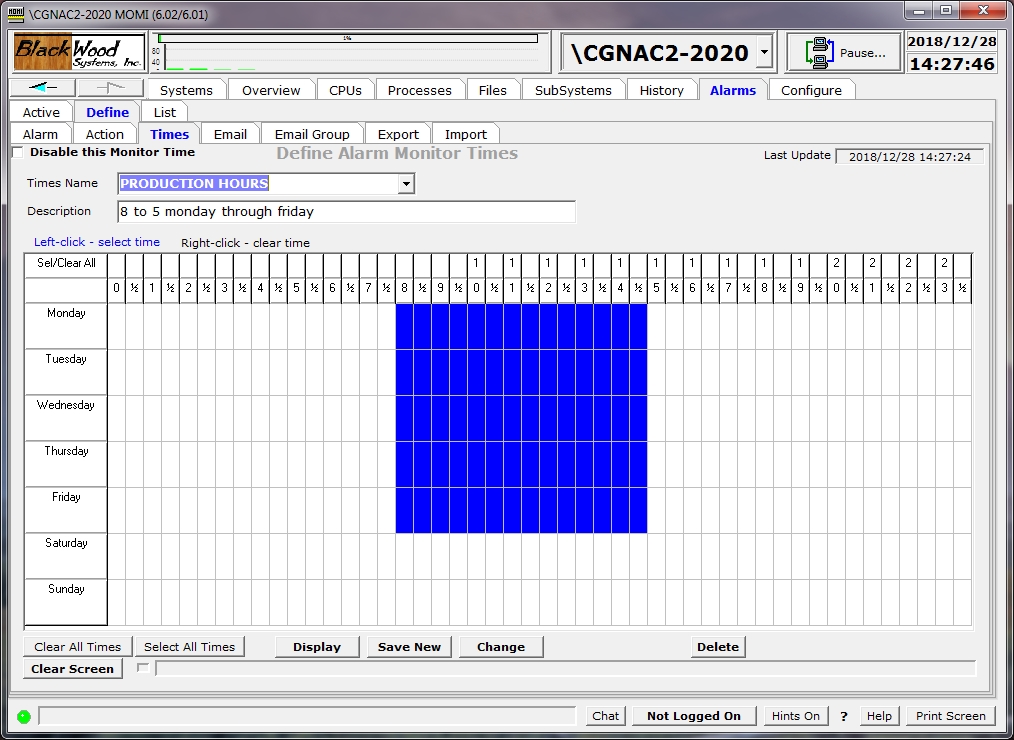
The Define / Times screen allows the creation and maintenance records used to determine periods of time.
Records defined here do not in-and-of themselves perform any action. But rather are referenced in other definitions, such as in Alarm and Email.
The field Disable this Monitor Time provides the ability to prevent the processing of the record without deleting it. However, any object that references a disabled entry results in the default of active all the time.
A Monitor Times record provides 1/2 hour increments Monday through Sunday.
Place the mouse over a desired time period an press the left mouse button. Holding the button down and moving the mouse sets multiple cells (left mouse button sets / right mouse button clears). All cells may be set or cleared by clicking on Clear All Times or Select All Times.